
Leak Test Instruments
InterTech’s family of M1075, MED75, M1045, and ECO Leak Detection instrumentation offer leading edge, proprietary technology for the optimum leak testing solution.
Leak testing measurement capability from 0.005 sccm to 200 sccm and flow measurement capability from 200 sccm to 100 slpm with ISO 17025 traceable calibration and, less than 5% Gauge R&R. Vacuum and positive pressure operation are available.
Whether you require Mass Flow, Pressure Decay, Pressure Increase, Vacuum Rise, Differential Pressure, Cracking Pressure, Blockage Detection or Burst Testing Instruments, InterTech can provide solutions for your application.
The InterTech's leak test instruments are easily configurable for a diverse range of test requirements based on end-user application needs.
The leak detector may operate as a stand-alone instrument or can easily be interfaced with a PLC or PC via Ethernet IP or user I/O interfaces.


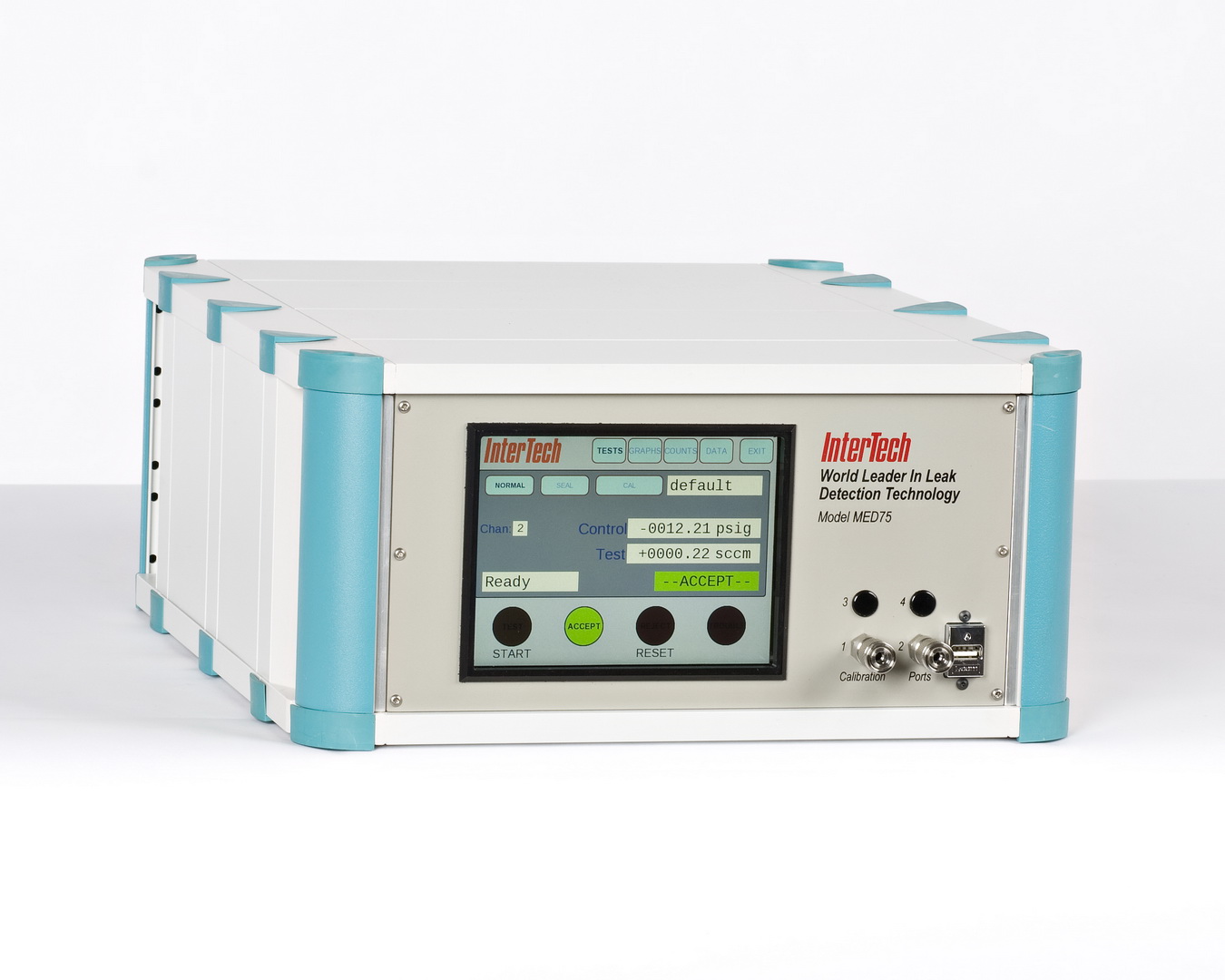
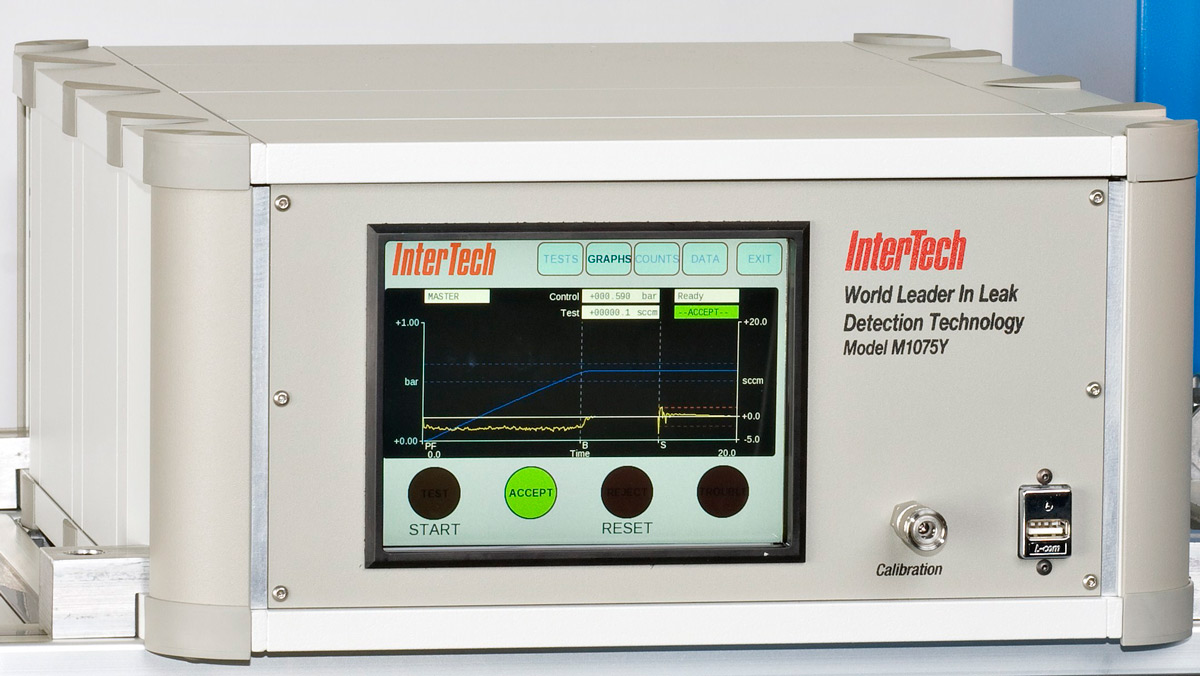
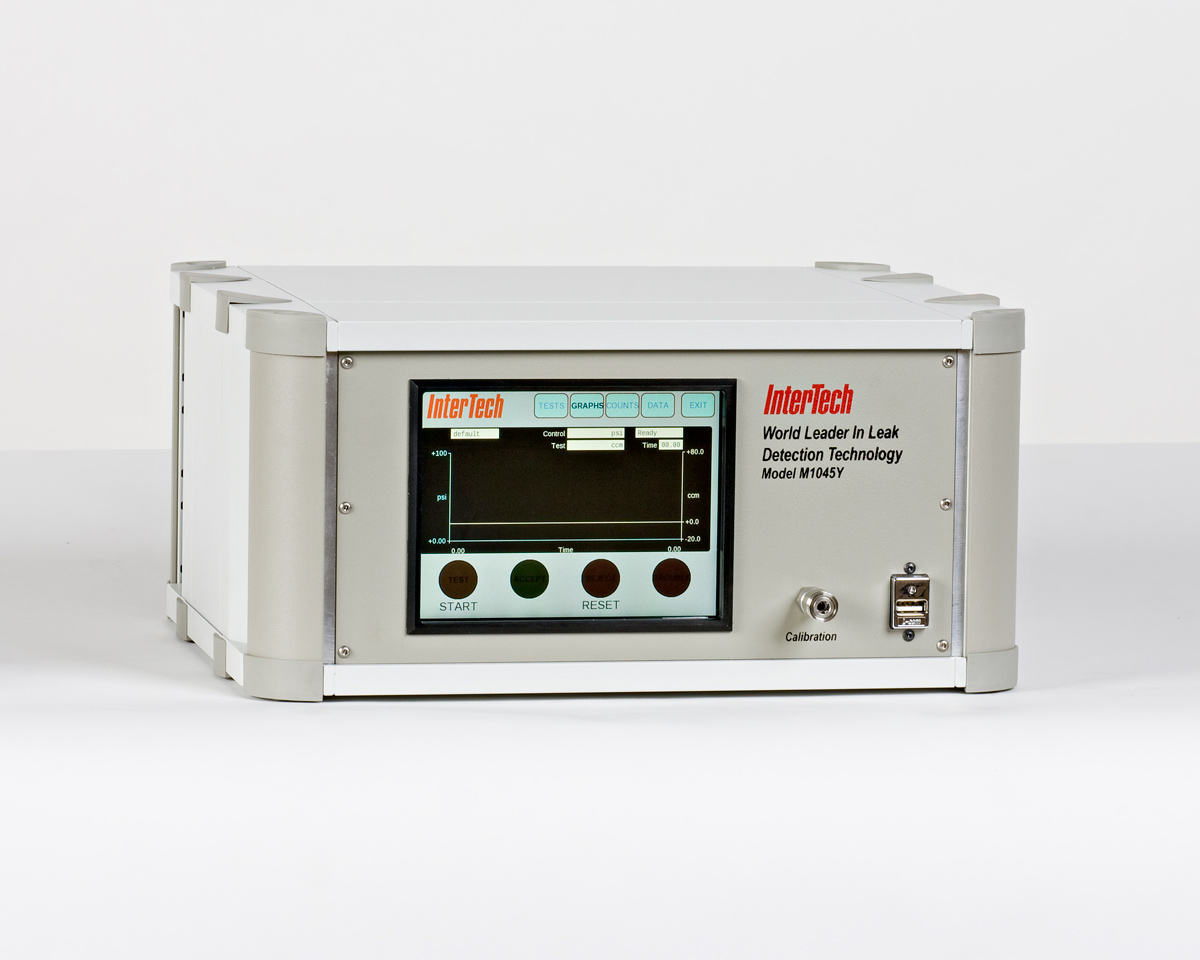
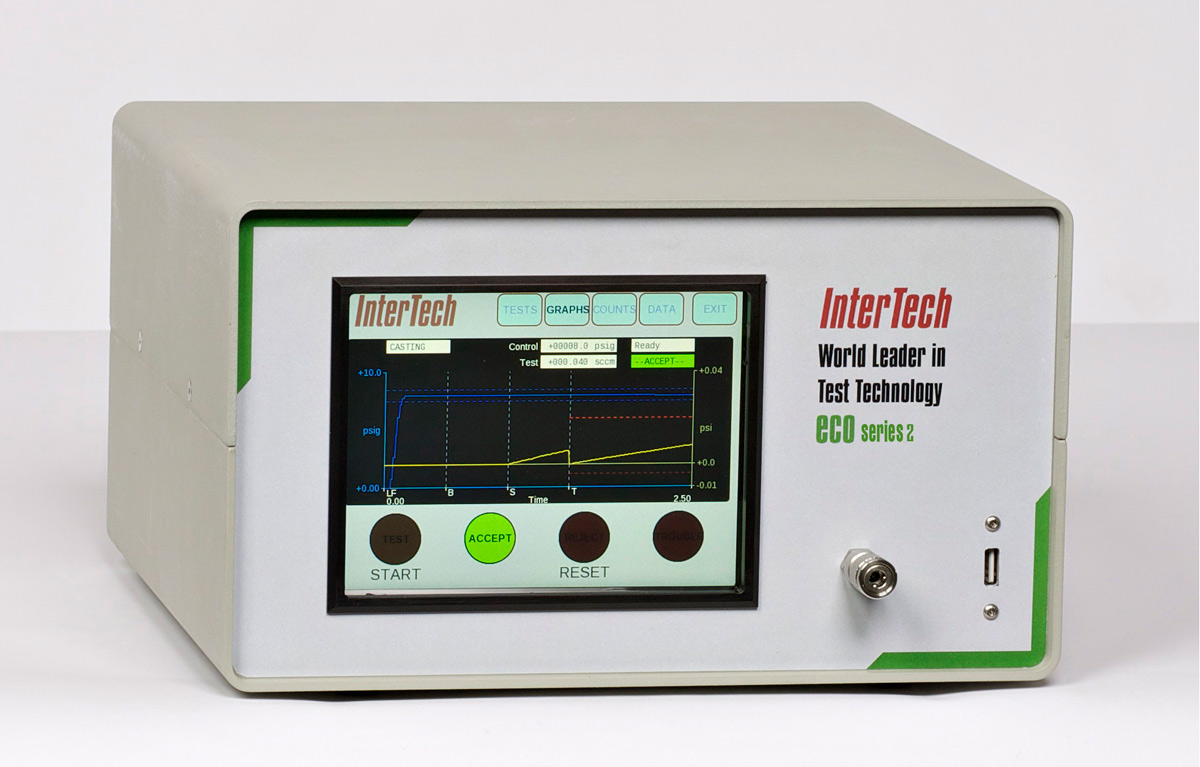
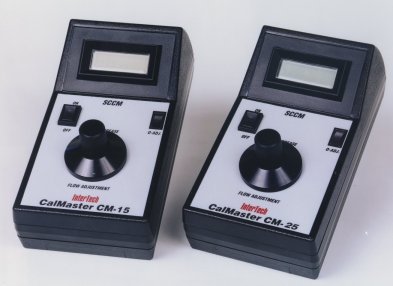

Key Features Include
- Proprietary technology provides such benefits as high-speed mass flow leak testing, temperature compensation, and automatic calibration.
- InterTech offers the fastest leak testing cycle times for your application requirements.
- InterTech ensures less than 5% instrument Gauge R&R.
- ISO 17025 traceable calibration of InterTech instruments via an in-house accredited laboratory.
- Instrument Screen Displays include; test cycle, real-time test graph, statistics, data acquistion, and Gage R&R.
ISO 17025 Accreditation and ISO 9001
InterTech Development Company is an ISO 9001 registered and ISO 17025 accredited.
Our customers can rely on these documented quality standards to meet their own Quality Management System requirements as well as industrial standards.
InterTech's ISO 17025 laboratory implements and documents its quality system ensuring our ability to consistently produce valid results.
Consult Our Experts
Please contact InterTech for further information or help with your test application. We are happy to answer any questions you may have. Give us a call at 847-679-3377 or fill out the form and we'll be in touch as soon as possible.
*denotes a required field.